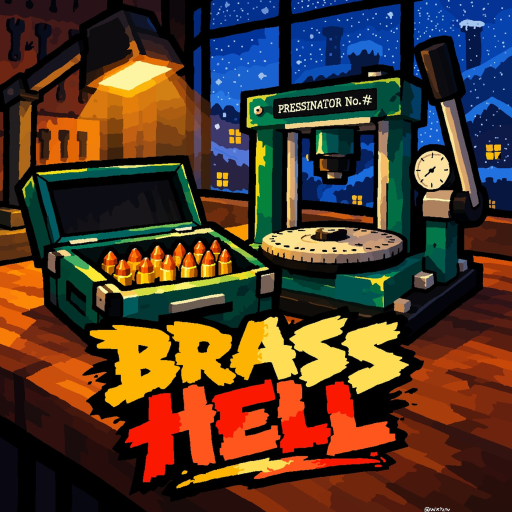
BRASS HELL Update Guide: Game Information and Community
Quick answer
- Use the official Roblox experience and linked Discord community for current game information.
- An updated timestamp or title decoration does not by itself establish a full patch list or a future release date.
Start at the official experience
The BRASS HELL Roblox experience is the first place to check the current title, description and update information. During the November 1, 2026 review, the displayed title included an update marker and a Halloween emoji. Treat that as the title shown at the time, not as a complete description of seasonal mechanics.
The official description establishes the factory premise: hands-on ammunition production, packing, deliveries, workshop upgrades, new rounds and scattered story documents. A new timestamp does not identify every change to those systems. Look for a named developer statement before turning a title decoration into a detailed patch explanation.
Use the linked community for announcements
The game-linked Discord invite leads to the Brass Hell Roblox community. It is a useful destination when you want to follow developer communication, but private announcement content should not be invented from the community's existence. Joining a server and reading an actual announcement are separate actions.
Use the official BRASS HELL Discord invite if you want that community destination. Keep account credentials private and use Roblox for account or purchase support. The wiki summarizes public game information; it does not operate the experience or act as the developer's support inbox.
| Information | What it establishes |
|---|---|
| Game title or timestamp | How the official listing appeared at a point in time |
| Named announcement | The specific change actually described |
| Future prediction | An expectation, not a released feature |
Separate released information from predictions
A future update date, an event closing time and a creator's expectation are different claims. Do not treat a video title or an emoji as proof of an exact schedule. When an announcement gives a date, keep the actual event and time context with it rather than extending the statement to unrelated future changes.
The same discipline applies to old guides. A recorded menu can explain what a creator saw, while a current product prompt determines what you are about to buy. Read the focused destination for the system you care about instead of assuming that a single update marker makes every earlier detail either current or obsolete.
Recheck changing offers at the decision point
Optional product prices and availability are snapshots. Before spending, compare the live Roblox prompt with the offer you intended to buy. Keep the exact product family in mind: Bullet Value, Bulk, Mastery XP, Rank or membership. Similar-looking multipliers can concern different benefits.
For the current comparison, use the BRASS HELL product guide. For a normal factory session, return to a clear workshop or shipment goal. Following updates should help you choose what to play next, without requiring an invented patch list, an unannounced release timetable or a promise that every product description will remain unchanged.
When sharing an update with friends, include the specific official destination or named announcement that supports it. This helps distinguish a confirmed change from a prediction repeated across videos or conversations. A useful update note says what changed and where that information comes from, rather than treating a fresh timestamp as permission to fill in every detail of the next factory session.